A quiet browser for the Mac.
Cedar is built on WebKit, the engine already in your Mac, with as little as possible around the page. Fast to open, light on your battery, and it never phones home.
Try it free for 7 days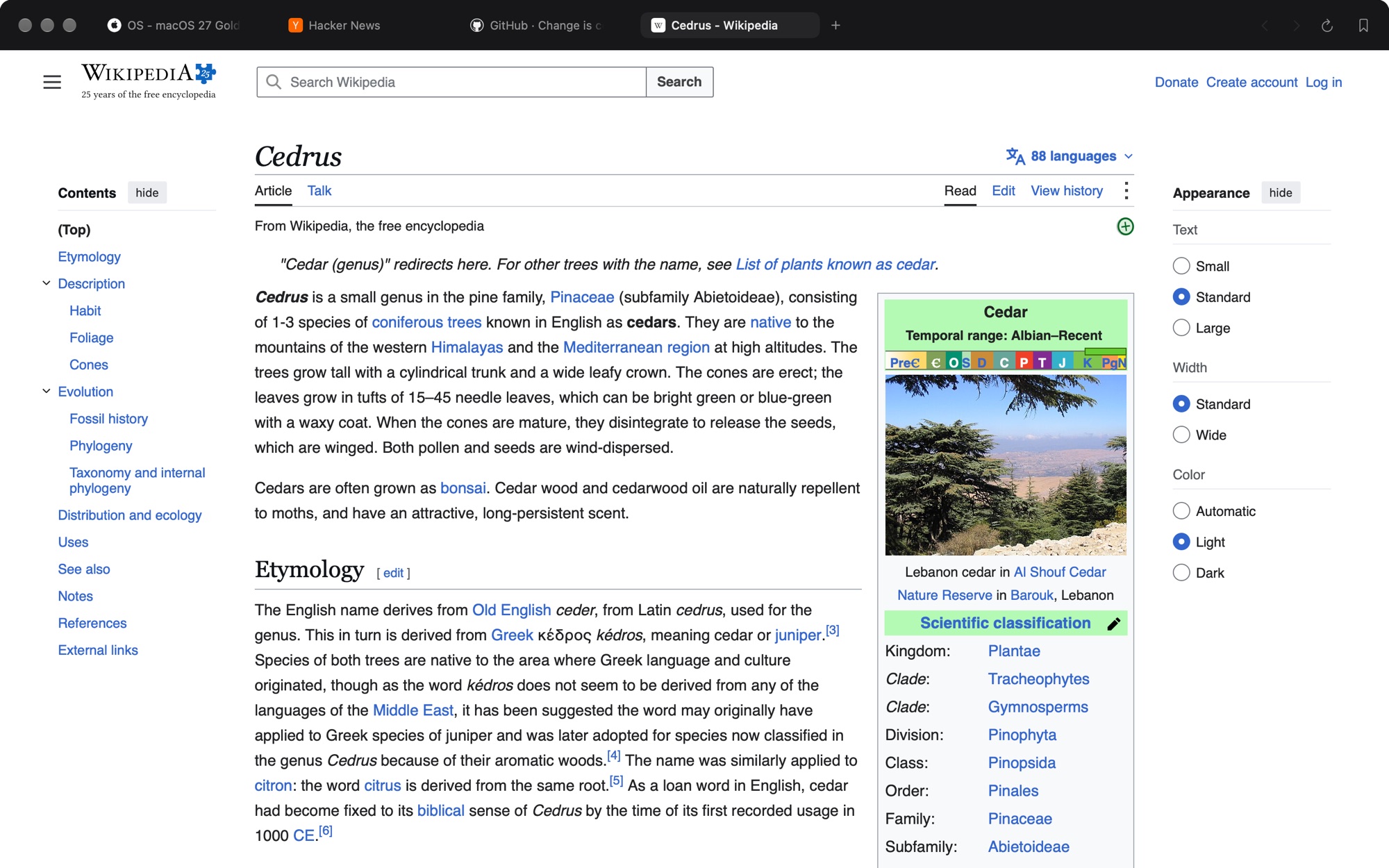
Why another browser
The page should be the loudest thing on screen.
Most browsers keep adding: assistants, sidebars of shortcuts, accounts to sign into, a feed on the new tab page. Cedar goes the other way. Neutral chrome that stays out of the way, motion only where it helps, and every feature where you’d look for it — not in a tour.
Tabs your way
Across the top or down either side. Pins, groups, spaces with their own sign-ins, and a sidebar that hides until you reach for it.
Split view
Up to four pages side by side in one window. Drag a tab to a page’s edge, or press ⌥⌘N.
A reader that reads
⇧⌘R turns an article into a clean page — lists, code and figures kept, navigation and pop-ups gone.
Passwords, in the keychain
Saved in your Mac’s own keychain and shown only after Touch ID. Bring them, with bookmarks and history, from Chrome, Arc, Safari or Firefox.
Ads blocked, quietly
A blocker compiled into WebKit’s own networking: pages are lighter, with no counter and no extension to babysit.
A terminal under the page
⌃` opens real local shells in a drawer, for when the docs and the command are in the same place.
Chrome extensions from the Web Store · plugins · reading-mode, picture-in-picture, hide-anything · ⌘K to any tab
How it works
Set up in a minute.
- InstallOne line in Terminal. It checks the download before anything runs.
- Bring your thingsTabs, bookmarks, passwords and history from the browser you use now.
- Keep itSeven days free, no card. Then $15 once if you like it.
Cedar
Launch price for the first 30 buyers, then $29.
- Every feature, no tiers
- Free updates, installed in the background
- Your data stays on your Mac
- No account, no telemetry, no ads
For one Mac. No subscription. Seven-day free trial first.
Install, or start your free week, with one line:
curl -fsSL https://cedar.kartikkabadi.com/install.sh | bash
Questions
Is it really faster than Chrome?
Cedar runs pages on WebKit, the same engine as Safari, which macOS already keeps loaded and tuned for Apple silicon. There’s no second copy of a browser engine in memory, so Cedar opens quickly and is easy on the battery. Tabs you haven’t looked at in a while go to sleep, and wake when you hover them.
Do my Chrome extensions work?
Many do. Cedar installs extensions from the Chrome Web Store and runs them on WebKit’s extension support. Extensions that depend on Chrome-only internals may not. Try yours during the free week.
Why install from Terminal?
Cedar is made by one person and isn’t notarized by Apple yet, so a browser download would be blocked. The installer checks the download’s checksum and its signing certificate before anything runs. You can read the script.
What happens after the free week?
Pages stop opening until you buy, and Cedar says so in its window. Nothing is deleted: your tabs, bookmarks and passwords stay on your Mac, and the notice itself has buttons to export them.
Does it collect any data?
No. No account and no analytics. The license check sends your key and a one-way hash of your Mac’s ID — never the pages you visit. Privacy policy
Is there AI in it?
No. Cedar is a browser. A page’s own AI is the page’s business.